Exporting the Blockbench Files
Once you have created your model, you'll need to export it and place the exported files in the correct location for GeckoLib to see them.
Exporting the JSON files
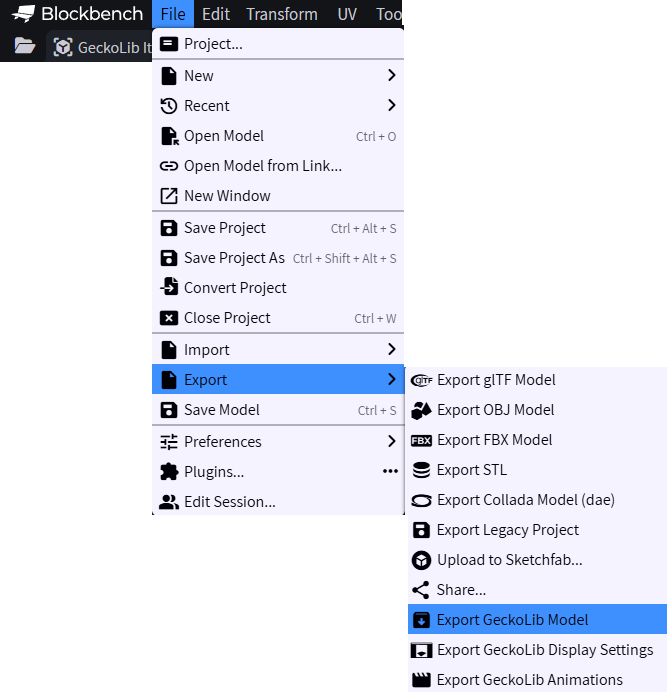
To export, click the below menu paths:
Model: File -> Export -> Export GeckoLib Model
Animations: File -> Export -> Export GeckoLib Animations
Display Settings: File -> Export -> Export GeckoLib Display Settings
Exporting the texture
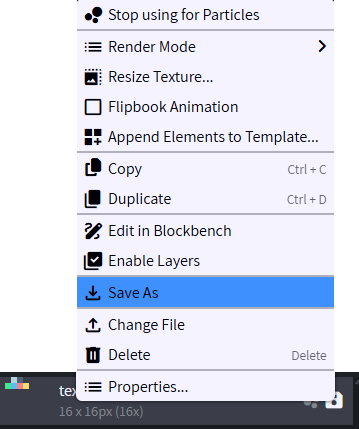
To export the texture, you'll need to right click on the texture and click Save As