Animated Textures
GeckoLib supports animated textures on all animatable types.
Usage
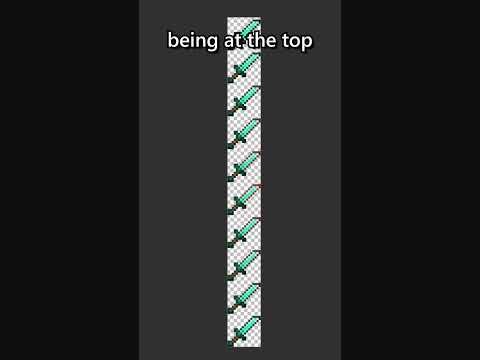
GeckoLib automatically handles texture animation for you, all you need to do is set up the animated texture itself.
Conveniently, GeckoLib fully supports the .mcmeta format for animated textures.
This means that you set up an animated texture for GeckoLib in the exact same way you would do so for a vanilla block or
item animated texture.
Resources
Minecraft provides a wiki page for this format here.
Videos
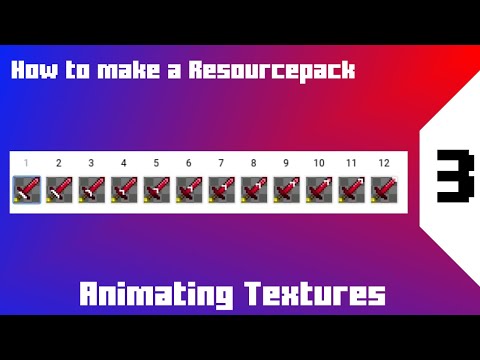
Quick-Copy
Already have an animated texture and just want the .mcmeta file?
Copy-paste this into a new .png.mcmeta file named after your texture:
{
  "animation": {

  }
}
For example, if your texture is named my_texture.png, you would name your .mcmeta file my_texture.png.mcmeta.
my_texture.pngmy_texture.png.mcmeta
Common Mistakes
My texture isn't animated at all and just looks stretched out across the whole thing!
You forgot to make your .png.mcmeta file, misnamed it, or you put it in the wrong location
My texture is now animated, but it doesn't line up with the model anymore/looks squished/has gaps in it
You probably have a non-square animated texture.
To fix this, add a "width": 64 and "height": 64 to your "animation" section in your .png.mcmeta, replacing each 64
with the pixel-dimensions of a single animation frame for your texture.